

WAK POS
Run your whole shop from one simple system
Sell, track stock, manage staff and see your profit in real time, on your computer and on your phone.
- Clients Served
- 100+
- Years of Experience
- 15+
- Sales processed
- 19,000+
- Support every week
- 7days
Everything you need to run your business
Fast, simple selling
Ring up sales in seconds with cash, Mobile Money, card, bank transfer or split payments, and print or send the receipt.
Stock you can trust
Every sale, delivery and adjustment updates your stock. Get low-stock alerts and track batches with expiry dates.
Know your profit
Sales, products, profit and loss, tax and staff reports for any day or date range, ready to print.
Ghana taxes built in
Set up VAT, NHIL and GETFund once. Every receipt and report shows exactly what was charged.
Your shop in your pocket
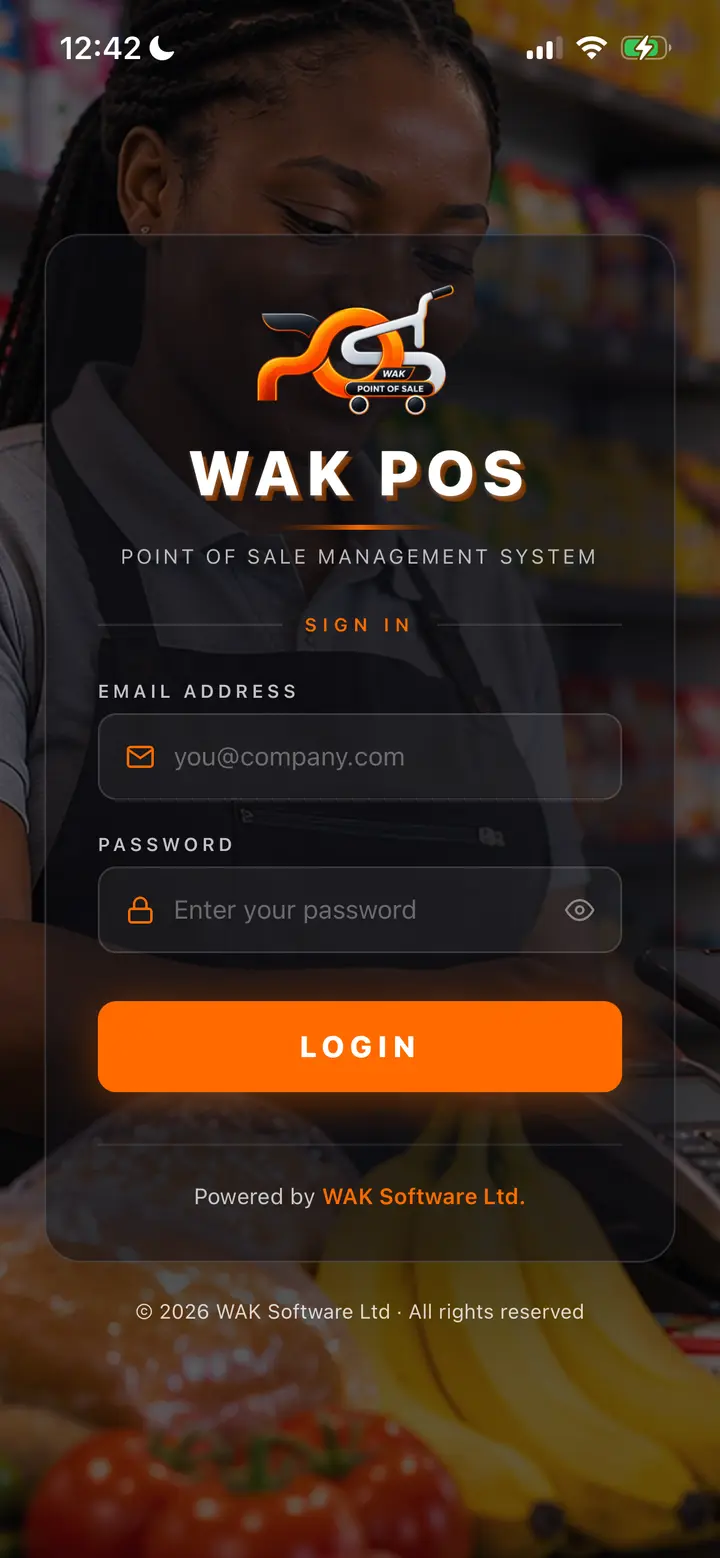
The WAK POS app for Android and iPhone shows sales as they happen, stock levels and reports wherever you are.
Barcode scanning
Scan items at the till or with your phone camera to find a product or add a new one in moments.
Staff with the right access
Give admins, managers and cashiers their own logins and roles, with an activity log of who did what.
Sell on credit
Let trusted customers buy now and pay later. Set credit limits and due dates and track who owes.
Customers and suppliers
Keep customer records with purchase history and loyalty points, and track suppliers and deliveries.
Daily sales by SMS
Get a text each day with your shop sales for the day, so you know how business went even when you are away.
Proformas in minutes
Send a proforma on A4 with your logo and signature, as a PDF or a WhatsApp link your customer can open.
Warehouses and kitchens
Hold stock in several locations, move it between them, and record production runs for kitchens and workshops.
Up and running in three steps
- Step 01
Tell us about your business
Fill in the short form or call us. We will talk through what you sell and how many shops you run.
- Step 02
We set you up
We create your account, help you load your products and taxes, and show your staff how it works.
- Step 03
Start selling
Sell from the browser on any computer or tablet, and follow your business from the mobile app.
Android and iPhone
Your business on your phone
Follow sales as they happen, check stock and add products from anywhere with the WAK POS app.
Questions people ask
Something else on your mind? Send the form below and ask us.
01What equipment do I need?
Any computer, laptop or tablet with a web browser and an internet connection. A receipt printer and barcode scanner are optional and work alongside it.
02Does it handle Ghana taxes?
Yes. You set up VAT, NHIL and GETFund at their current rates, and WAK POS applies them to every sale and shows them on receipts and in the tax report.
03Can I check my shop when I am not there?
Yes. The WAK POS mobile app for Android and iPhone shows your sales, stock and reports, and the admin is alerted when a sale is made.
04Which payment methods are supported?
Cash, Mobile Money, card, bank transfer, and split payments that combine more than one.
05How do I get started?
Send the Get started form or call us. We set up your account and help you get going.
Ready to grow your business?
Tell us about your shop and we will get you set up.
What happens next
- 01Tell us about your business
- 02We set you up
- 03Start selling
Rather talk now?